Free

AURIFEXA Canvas
AI workflows on an infinite canvas
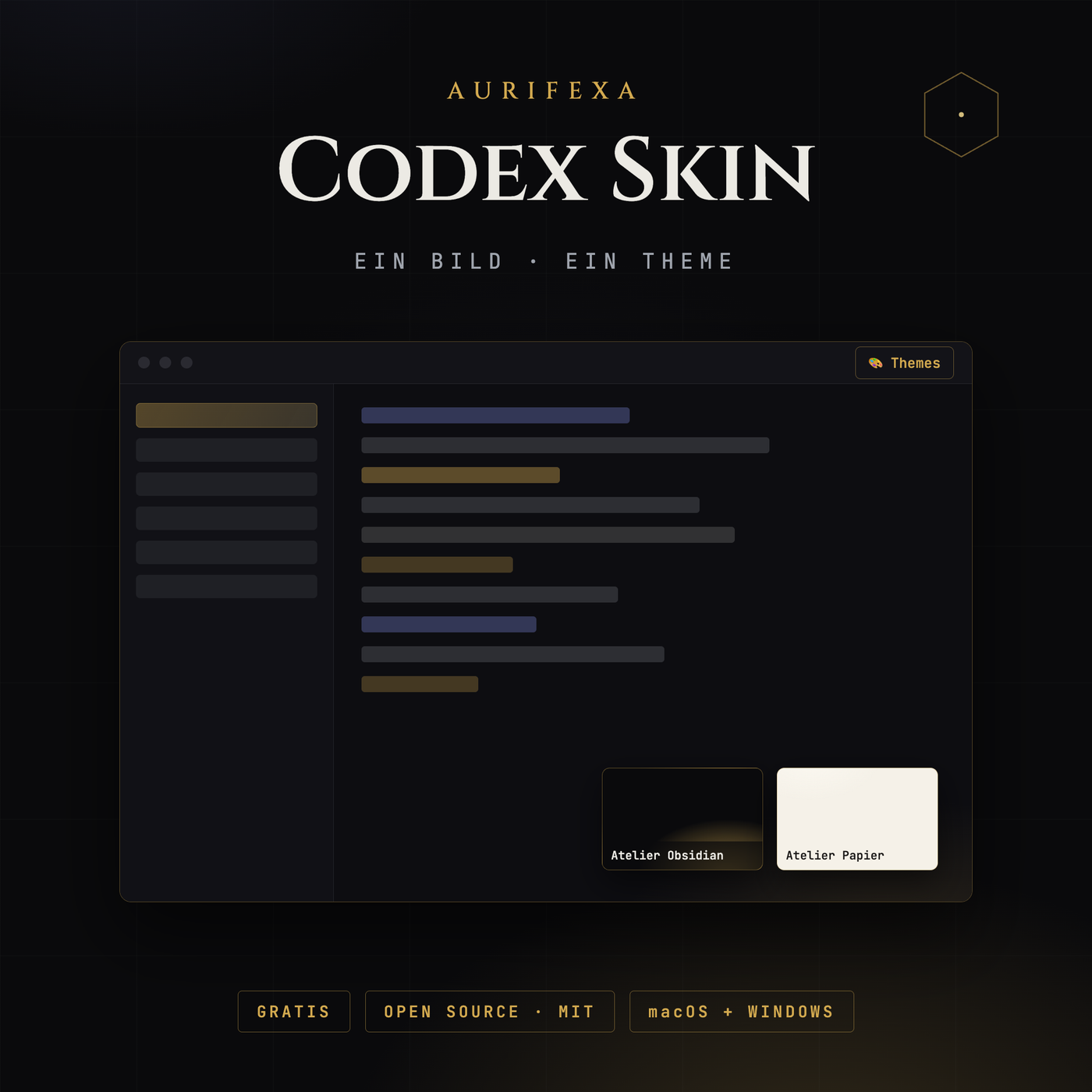
Ihr Codex. Ihr Bild. Ihr Theme — in einer Minute, jederzeit umkehrbar.
This tool is free. Create an account — no payment details — and download right away.
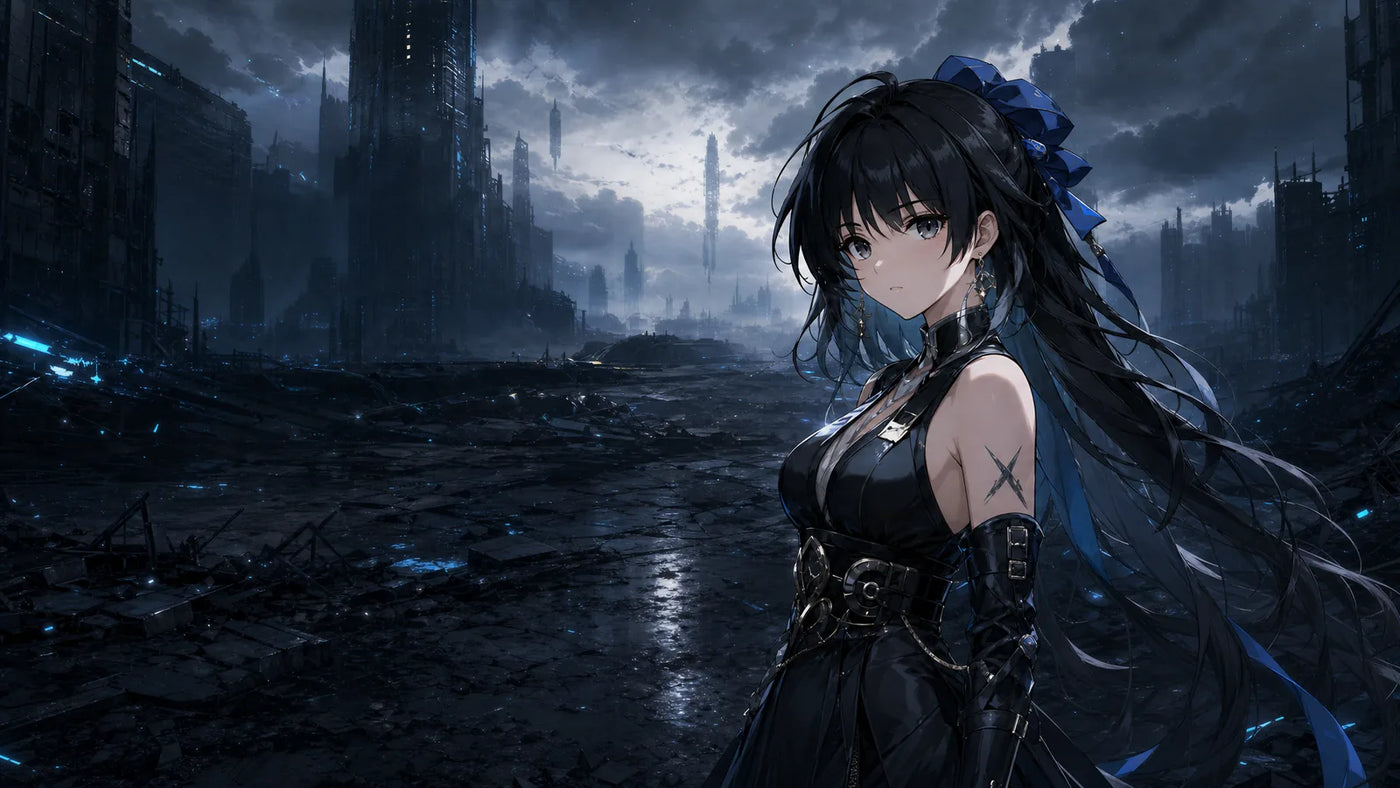
Beliebige PNG-, JPG- oder WebP-Datei wird zur kompletten Oberfläche — Farben und Erscheinungsbild automatisch abgeleitet.
Keine Eingriffe in app.asar, Binärdateien oder Signaturen — die Gestaltung entsteht zur Laufzeit über den lokalen Debug-Port.
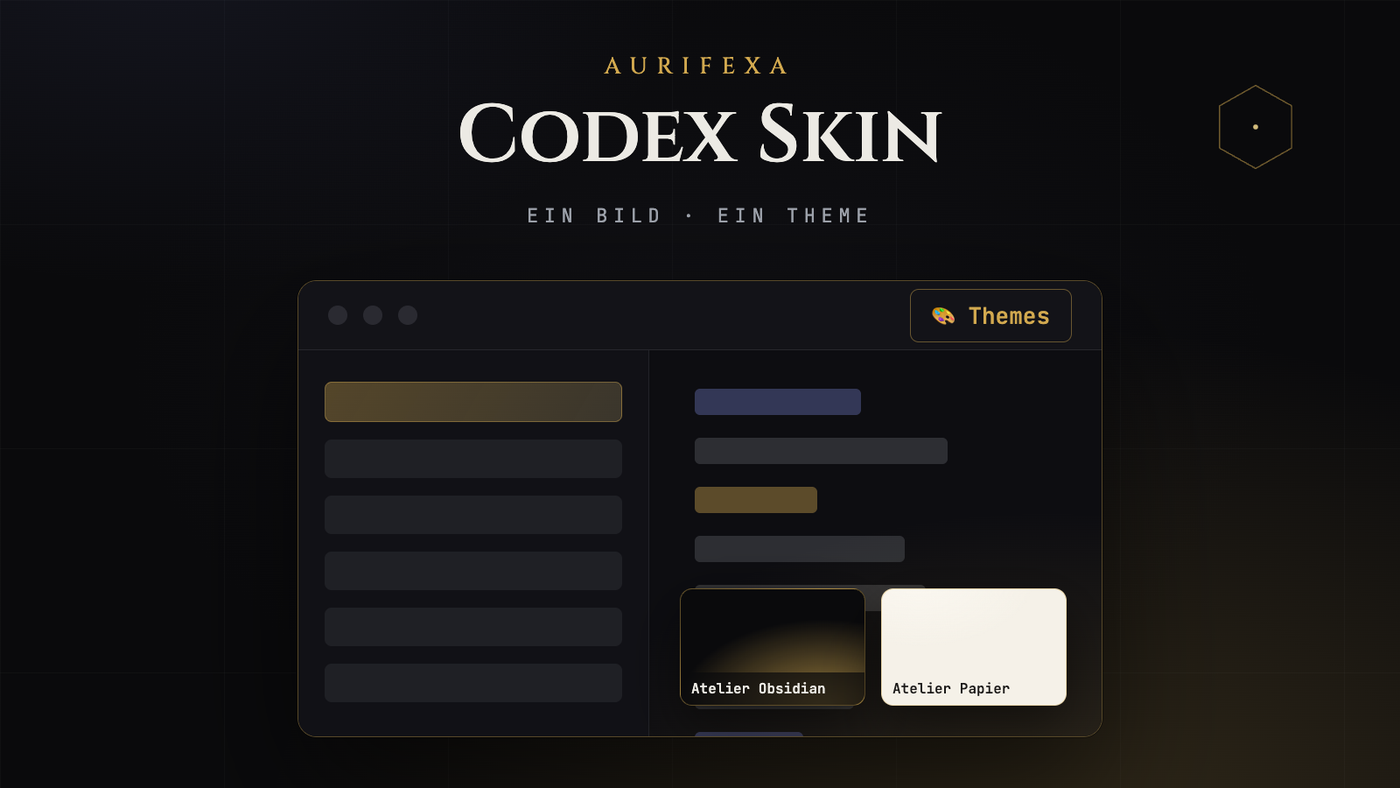
Atelier Obsidian und Atelier Papier plus vier Fan-Presets: Miku 488137, Genshin, Wuthering Waves und Dragon Ball — Original-UI jederzeit einen Klick entfernt.



| Version | 1.1.0 |
|---|---|
| Platform | macOS · Windows (64-Bit) |
| License & origin | Open Source · MIT |
| Price | Free — registration is all it takes |
OpenAI Codex Desktop looks identical on every machine. AURIFEXA Codex Skin changes that: a free, MIT-licensed open source tool for macOS and Windows that lays a complete theme over the app without touching its files. Drop in a single image and a full color scheme is generated automatically, six built-in themes are ready out of the box, and a menu at the top switches skins or restores the original look with one click.
Most theming hacks write directly into an Electron app's program files, typically the app.asar archive. That alters signed files and is awkward to undo. Codex Skin takes a different route: it uses the Chrome DevTools Protocol, the same local interface developer tools use to talk to a running application. On your own machine, the tool connects to the running Codex instance and applies styling at runtime, much like a developer trying out styles in a browser inspector.
The security boundary that follows is clear: app.asar is never modified, the application signature stays intact, and injection happens only locally on your computer. Remove the theme and Codex is exactly as it was installed. The full source code is public on GitHub and can be reviewed line by line before you run it.
The core flow is deliberately short:
If you would rather not design anything, six built-in themes are included: two original Atelier themes plus four presets drawn from popular community color schemes, all switchable from the same menu.
The semantics are deliberately unambiguous. Applying a theme affects only the current session: quit and relaunch Codex, and it starts in its original state. If you want your skin to stick, enable the optional persistent mode, which reapplies the chosen theme automatically at every launch. Both states can be reversed from the menu at any time, which keeps a quick experiment from silently becoming a permanent setting.
Because no program file is ever changed, the way back is trivial. One click on restore in the menu brings back the original look immediately, and uninstalling the tool leaves nothing behind in the Codex installation, since nothing there was ever altered. That residue-free exit is the practical difference between the CDP approach and patch-style methods that require you to repair modified files afterwards.
AURIFEXA Codex Skin is free and open source under the MIT license, with the code public on GitHub. If you want Codex to match your brand colors, a favorite image, or a color scheme you already know from other editors, the whole loop is covered in one tool: choose an image, generate the theme, switch from the menu, and return to stock with a single click.
Yes. The tool is free and open source under the MIT license, with the complete code published on GitHub for anyone to review before use. There is no paid tier and nothing locked away: all six built-in themes, image-based theme generation, and the optional persistent mode are fully included. Both macOS and Windows are supported.
No. Codex Skin never writes into app.asar and never touches the application signature. Styling is injected at runtime into the running Codex instance via the Chrome DevTools Protocol, and this happens only locally on your machine. Your installation therefore stays in exactly the state it shipped in.
Choose any image and the tool extracts its colors automatically, generating a complete theme that covers the whole interface, with light and dark appearances built as a linked pair. You then activate the result from the menu at the top. If it does not suit you, switch to another theme or restore the original look with one click.
Not by default. Applying a theme covers only the current session, so after a restart Codex returns to its original appearance. To keep a skin permanently, enable the optional persistent mode, which reapplies your chosen theme automatically at every launch. Both behaviors can be changed or reversed from the menu at any time.
Use restore in the menu to bring back the original look instantly. Because the tool never modifies Codex program files, uninstalling it leaves nothing behind that would need repairing or rolling back. Afterwards the application looks and behaves exactly as it did right after installation.
