Free

Codex Skin
Themes for OpenAI Codex Desktop
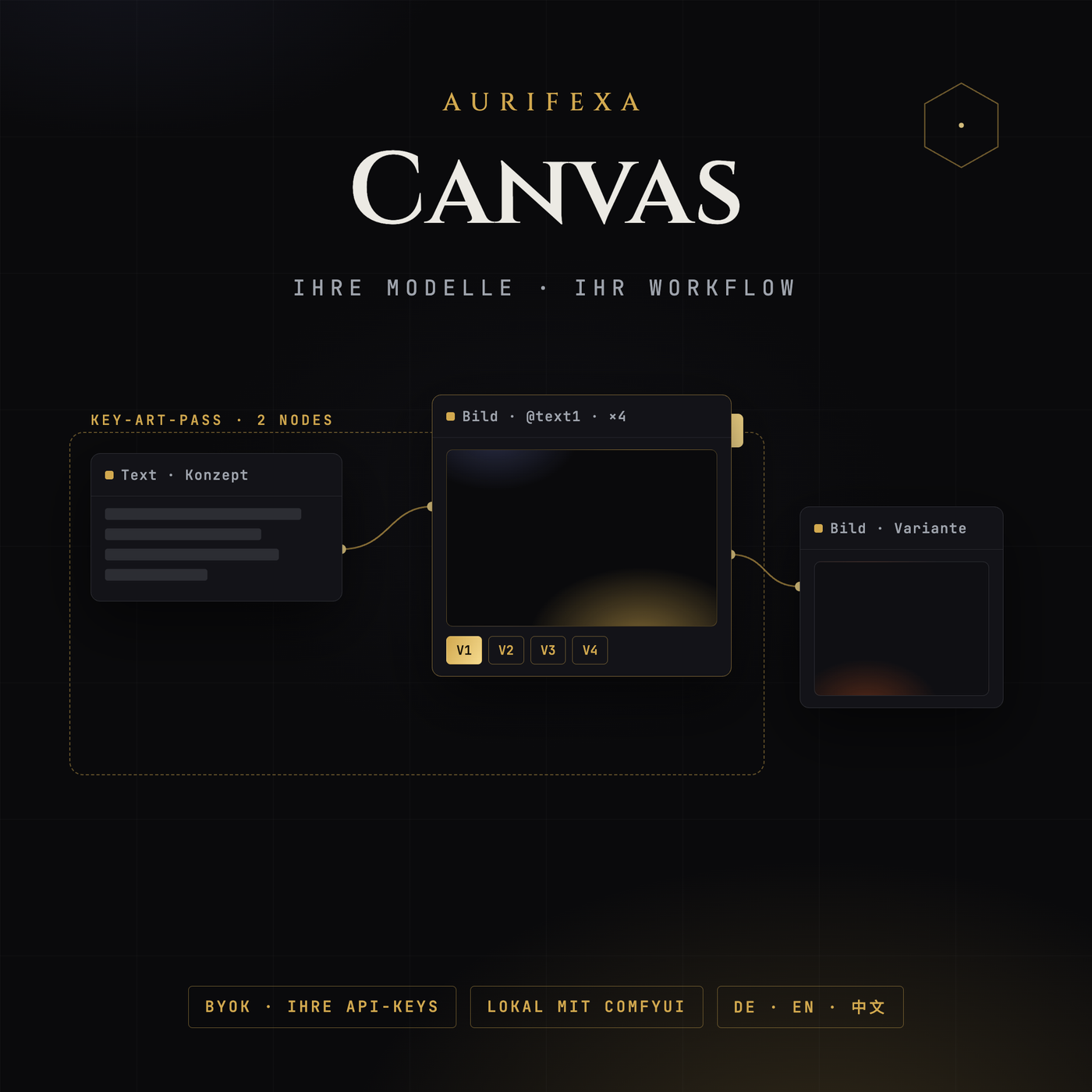
Ein Canvas. Alle Modelle. Ihre Schlüssel — und Ihre Bilder bleiben, wo Sie wollen.
This tool is free. Create an account — no payment details — and download right away.
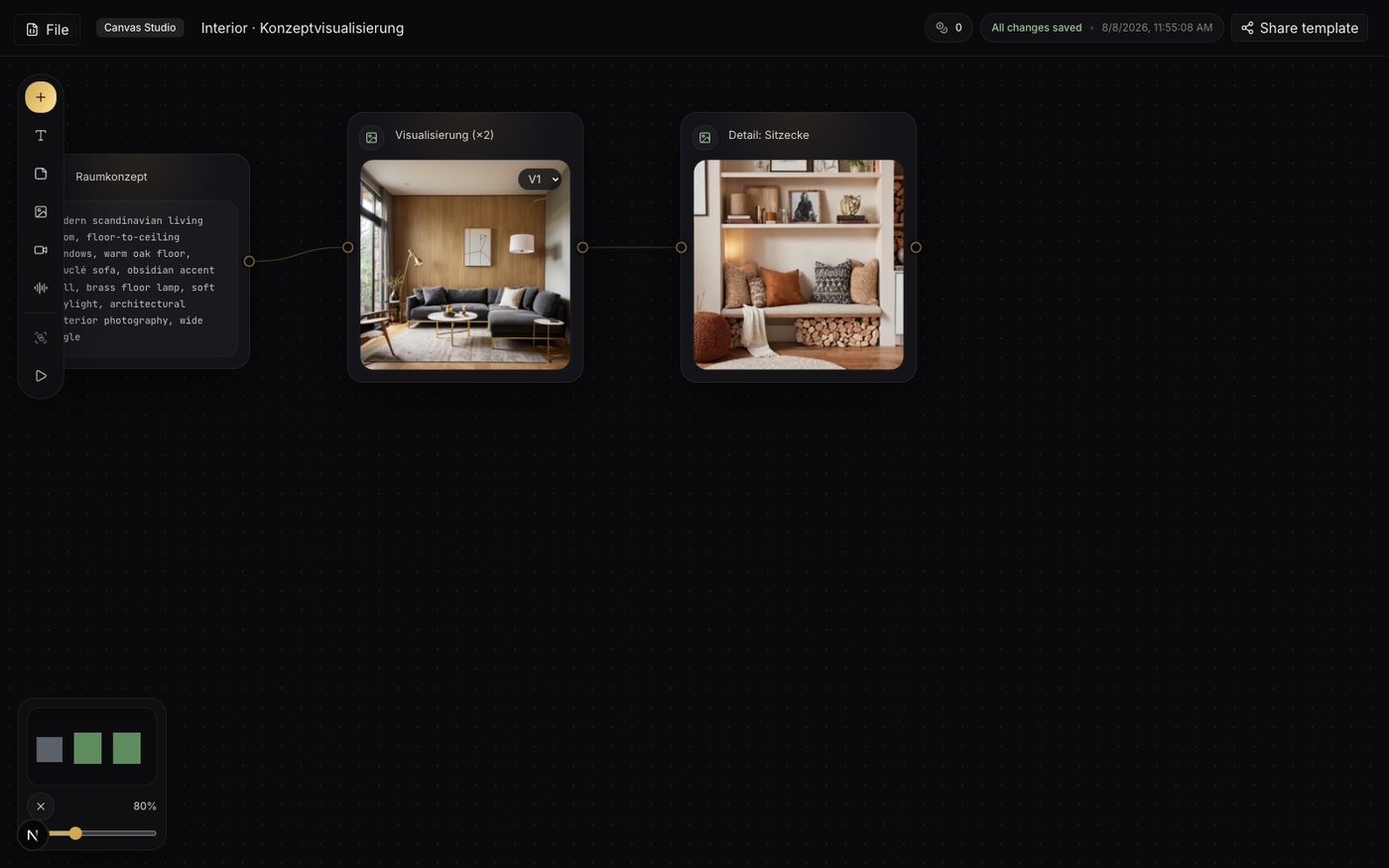
Nodes verbinden, @Verweise nutzen, Gruppen mit einem Klick ausführen — Ergebnisse bauen aufeinander auf.
BYOK: Modellkosten gehen direkt an Ihren Anbieter, wir schlagen nichts auf. OpenAI-kompatible Endpunkte frei wählbar.
Mit eigenem ComfyUI entstehen Bilder komplett auf Ihrem Rechner — keine Datei verlässt die Maschine.
| Version | 1.0 |
|---|---|
| Platform | Browser (Desktop empfohlen) |
| License & origin | AURIFEXA Studio |
| Price | Free — registration is all it takes |
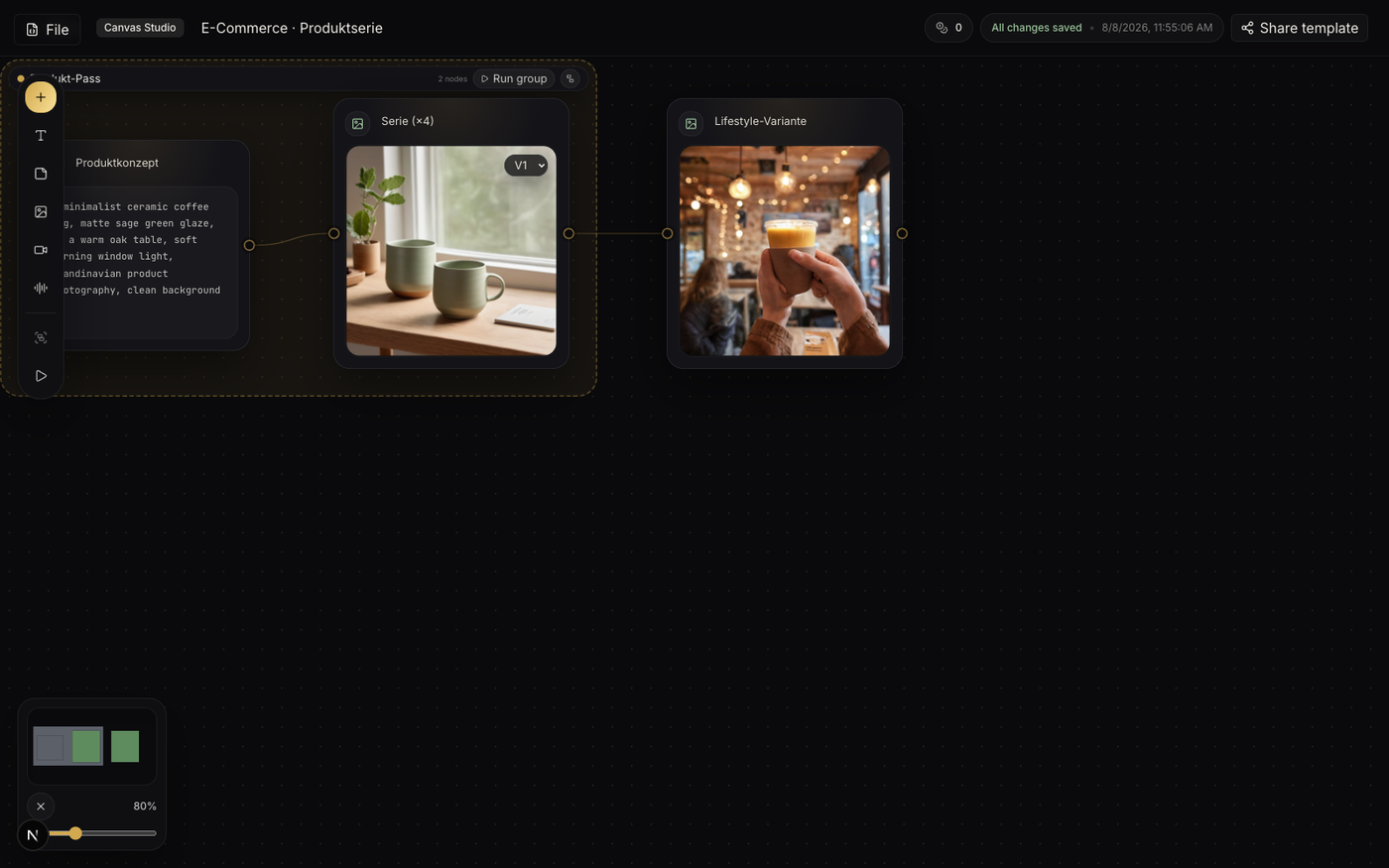
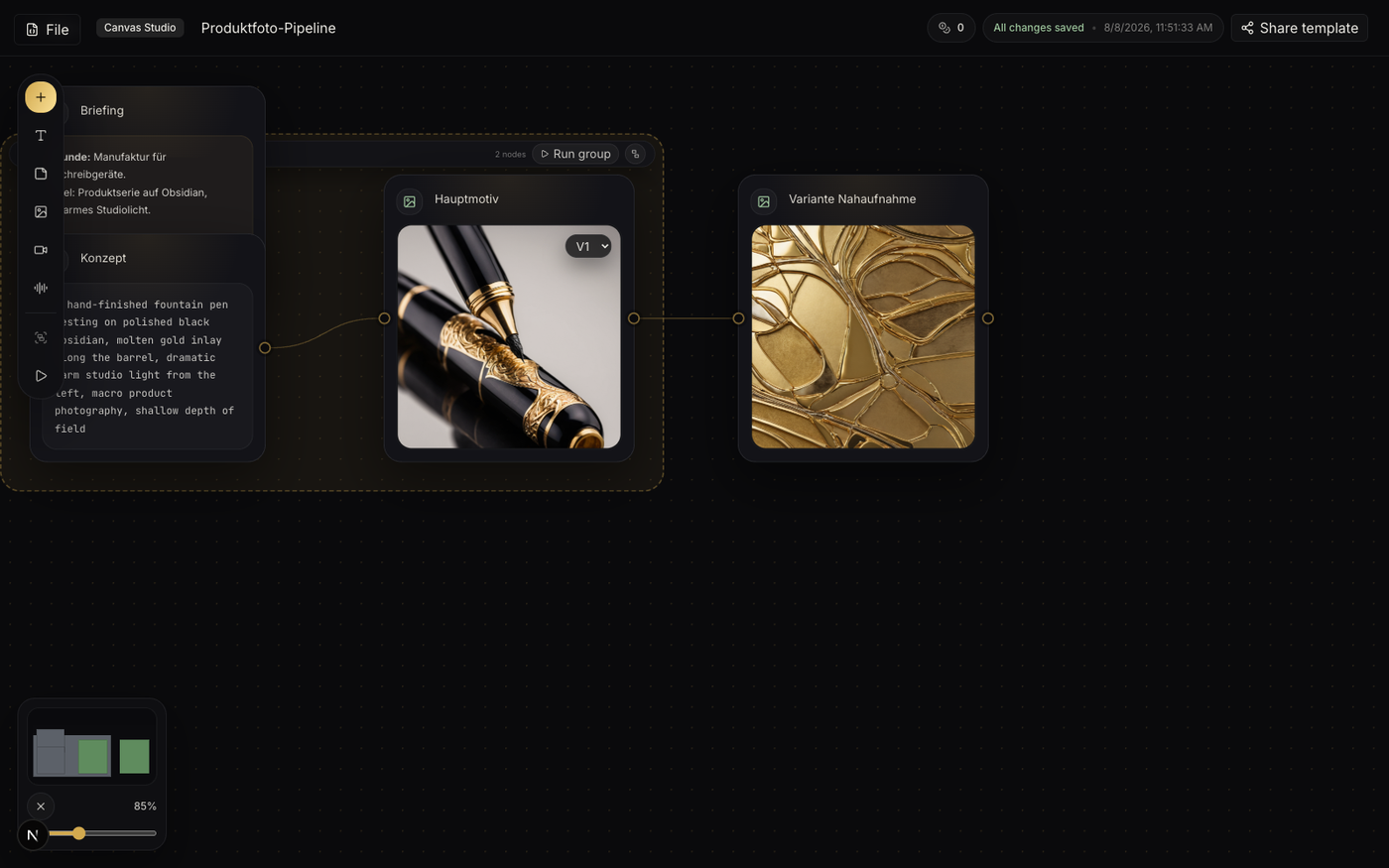
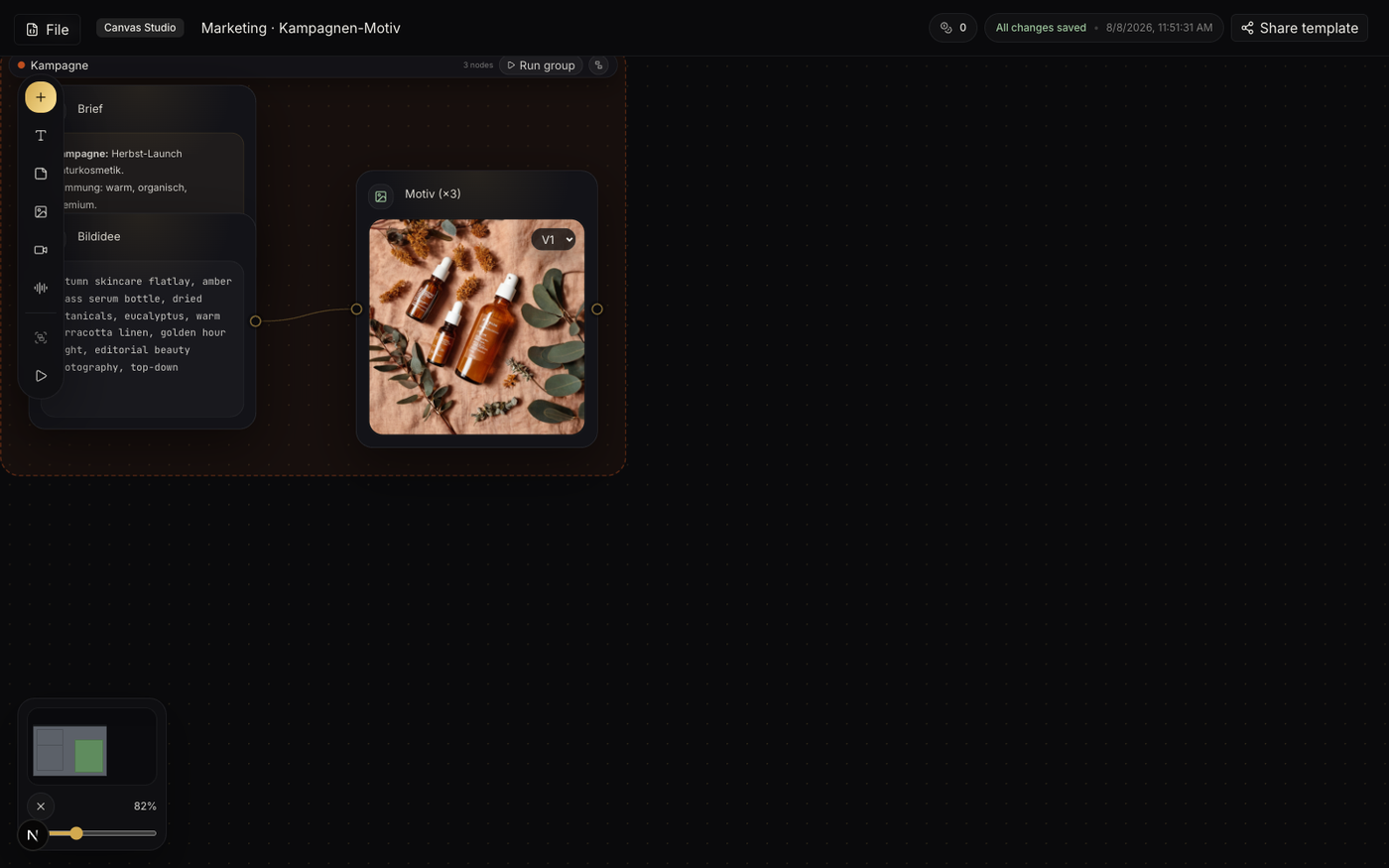
In a chat window, every prompt is a dead end. Intermediate results scroll away, and any task with more than one step turns into copy-and-paste. AURIFEXA Canvas takes a different approach: an infinite canvas that runs in your browser with nothing to install. You place nodes for text, images, video, audio, and notes, then draw connections between them to build workflows you can actually see.
Those connections do real work. Each line feeds a node's output into the next step automatically, and inside any prompt you can reference upstream results directly with @image1 or @text1. Instead of a disposable conversation you get a reusable pipeline: build it once, run it as often as you like, and adjust a single node without touching the rest.
AURIFEXA Canvas is built around Bring Your Own Key. You connect the API key of the model platform you already use and pay that platform directly, at its own rates. AURIFEXA adds no markup and takes no cut per image or token. For text models, any OpenAI-compatible endpoint works, so you can pick providers freely and switch whenever pricing or quality shifts. The tool itself is free once you register; your only costs are what your own provider bills for actual usage. At high image volumes, the difference against services that resell model access adds up quickly.
For privacy-sensitive work, this is the decisive feature. Connect the canvas to a ComfyUI instance running on your own computer and it becomes a clean front end for local generation: every image is produced on your own hardware, and the files never leave your machine. That materially simplifies GDPR assessments for unreleased product shots, internal drafts, or client material. You keep the overview and orchestration of the canvas while data and compute stay entirely under your control.
Three features carry day-to-day production:
Three scenarios show what this looks like in practice:
Jobs run through a local task queue. Depending on your tier, 1, 3, 6, or 10 jobs run in parallel; anything beyond that lines up automatically and starts the moment a slot opens. Kick off a full series, then keep working elsewhere on the canvas while it processes.
AURIFEXA Canvas is free to use after registration, with the interface available in English, German, and Chinese. If you already hold API keys or run ComfyUI locally, connecting either takes minutes, and scattered one-off prompts become a workflow that is visible, repeatable, and predictable in cost.
The tool itself is free once you register. Model usage follows the BYOK principle: you connect the API key of your own provider and pay that platform directly, with no markup from AURIFEXA. If you generate images through a local ComfyUI instance, there are no API fees at all, since the work runs on your own hardware.
No. AURIFEXA Canvas runs entirely in the browser. The only optional installation is for the local privacy route: to use it, you run ComfyUI on your own computer and connect it to the canvas. Everything else, from nodes and groups to the task queue, is available in the browser right after you sign in.
When the canvas is connected to a ComfyUI instance on your own machine, image generation happens entirely locally and your files never leave the computer. For GDPR-sensitive material such as unreleased product photos or client assets, that is the key advantage over purely cloud-based services: the canvas orchestrates, while data and compute stay with you.
For text, any OpenAI-compatible endpoint can be connected, so you choose and switch providers freely. For images, you can work through your own cloud provider or attach a local ComfyUI instance. In every case the keys and billing stay in your own accounts, and AURIFEXA adds no charge on top of model usage.
An image node produces 1, 4, 8, or 12 images per run depending on your membership tier, and every result can be split into its own node for further work. The local queue runs 1, 3, 6, or 10 jobs in parallel by tier; additional jobs wait in line and start automatically when a slot frees up.
