Members

Household Ledger
budget and accounts, local on your machine
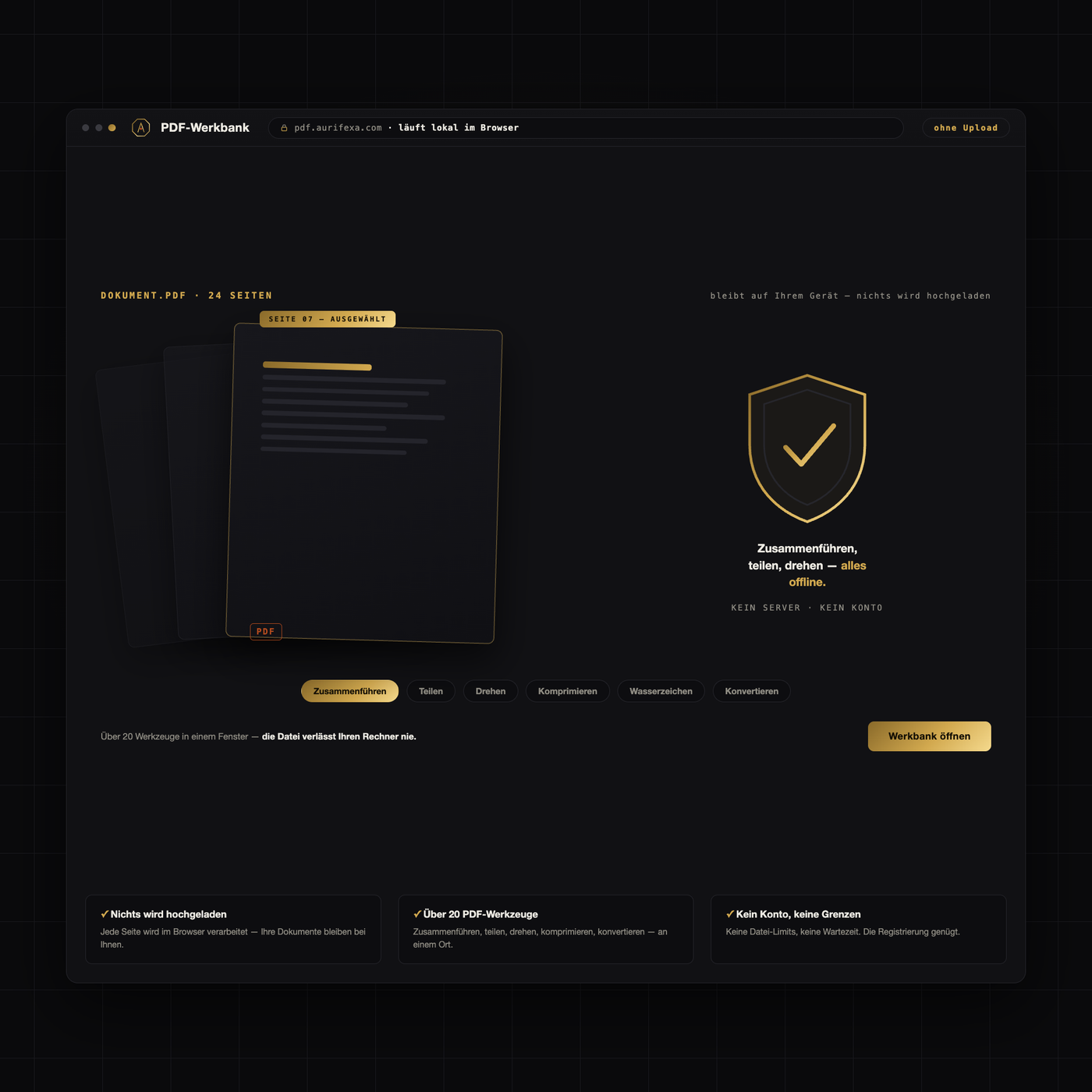
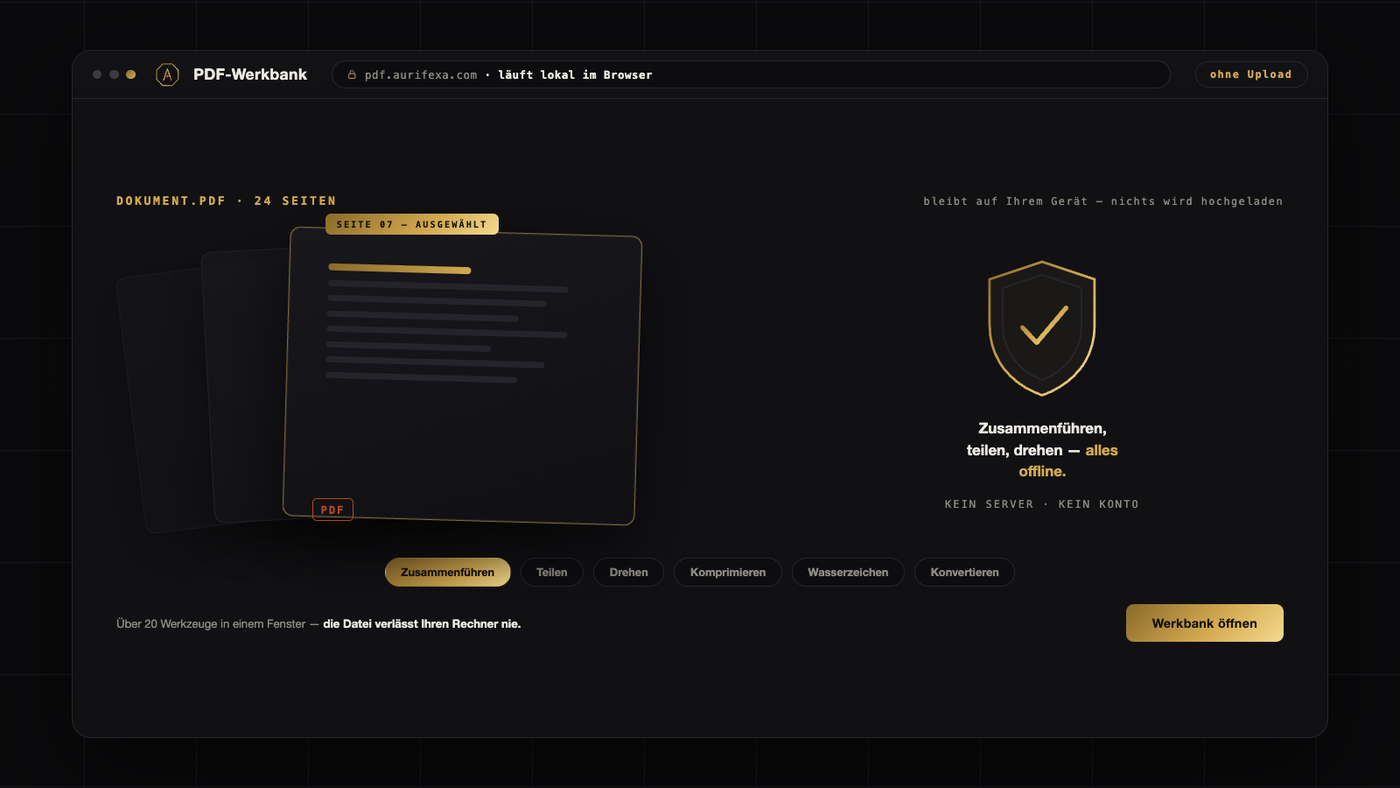
Every PDF job in one place — right in your browser. Merge, split, compress, rotate, sign, extract text, convert to other formats. Over a hundred tools in one clean interface.
Your files never leave your device. All processing runs locally in your browser — nothing is uploaded, nothing is stored. The right answer for anyone who won't put confidential documents on someone else's server.
Free software (AGPL-3.0), refined by AURIFEXA. Based on the open-source project BentoPDF.
This tool is free. Create an account — no payment details — and download right away.
| Version | 1.0.0 |
|---|---|
| Platform | Browser |
| Price | Free — registration is all it takes |
Life in Germany runs on paperwork, and paperwork increasingly means PDFs. A German job application (Bewerbung) is typically expected as one single PDF — cover letter, CV and reference letters (Arbeitszeugnisse) combined in a fixed order, not five loose attachments. Government and university portals set strict file-size limits. Scanners save twenty pages as twenty separate files. And from an eighty-page rental or employment contract, you often only need the signature pages.
PDF-Werkbank (“PDF workbench”) gathers these jobs in one place, directly in the browser:
Reordering scans becomes trivial as well: instead of renaming single-page files one by one, you merge them in the correct sequence into one clean document.
The defining feature of PDF-Werkbank is not any single tool but how it works: all processing runs entirely locally in your browser. Your files are never uploaded to a server — they do not leave your device at any point.
That matters more than it may sound. The PDFs of everyday life in Germany are sensitive by default: employment contracts, payslips (Gehaltsabrechnungen), reference letters, medical letters, copies of your passport or residence permit. Uploading such documents to a cloud service means handing them over, at least temporarily. With local processing, the question never arises — there is no upload, no transfer, no copy sitting on someone else’s server. A practical side effect: with no upload or download step, processing starts immediately, even for large files.
Classic online PDF services work server-side: your file is uploaded, processed on their infrastructure and then downloaded again. That can work fine — but it raises questions worth asking before you hit upload, especially in a country as privacy-conscious as Germany, where data protection is governed by the GDPR (known locally as the DSGVO):
In a professional context these are not theoretical concerns: anyone processing documents with personal data carries data-protection responsibility. Local in-browser processing sidesteps the entire trade-off, because the data simply never leaves your own environment.
PDF-Werkbank bundles over one hundred tools — merge, split, compress, rotate, sign, extract text, convert — in one clean interface, free to use after registration. One place for all PDF work, with files that stay on your device throughout.
Note: This information does not constitute legal advice.
In PDF-Werkbank, select your documents, arrange them in the expected order — cover letter, CV, then reference letters (Arbeitszeugnisse) — and merge them into a single file, which is how German employers typically want a Bewerbung submitted. Processing happens directly in your browser on your own device; nothing is uploaded. The tool is free to use after registration.
No. All processing runs entirely locally in your browser — your files never leave your device and are never transferred to any server. For sensitive documents such as contracts, payslips or copies of your passport or residence permit, this is the key difference from classic online PDF services, which process files server-side and therefore require an upload first.
Use the compress tool in PDF-Werkbank: the file is shrunk directly in your browser without being uploaded anywhere. This helps with German government, university and employer portals that enforce a maximum file size. Because processing is local, there is also no waiting for large files to upload and download — compression starts immediately on your device.
Yes. The split tool pulls single pages or whole sections out of a document — for example the signature pages of a long rental or employment contract. You can then merge the extracted pages with other documents in any order you like. This, too, runs entirely locally in your browser, so the contract itself is never uploaded.
Yes, PDF-Werkbank is free to use after registration and runs directly in the browser with nothing to install. It bundles over one hundred tools in one interface — including merge, split, compress, rotate, sign, extract text and convert to other formats — and your files remain on your own device throughout every operation.
